DiveSYNC User guides, maximise your potential.
Our user guide library are here to help you through the tools and countless possibilities built within DiveSYNC.
The app is built from two perspectives; the diver functionality and the coach / support team. The applications are designed to work seamlessly between connected team members, but you can totally use independently.
The best performing teams work as a partnership, but DiveSYNC helps develop independence and critical thinking.
DiveSYNC works on all your connected devices. For detailed planning we recommend using a PC or Tablet, but for day to day entry logs, wellness updates and quick check of plans, your personal phone will link you with everything you need.
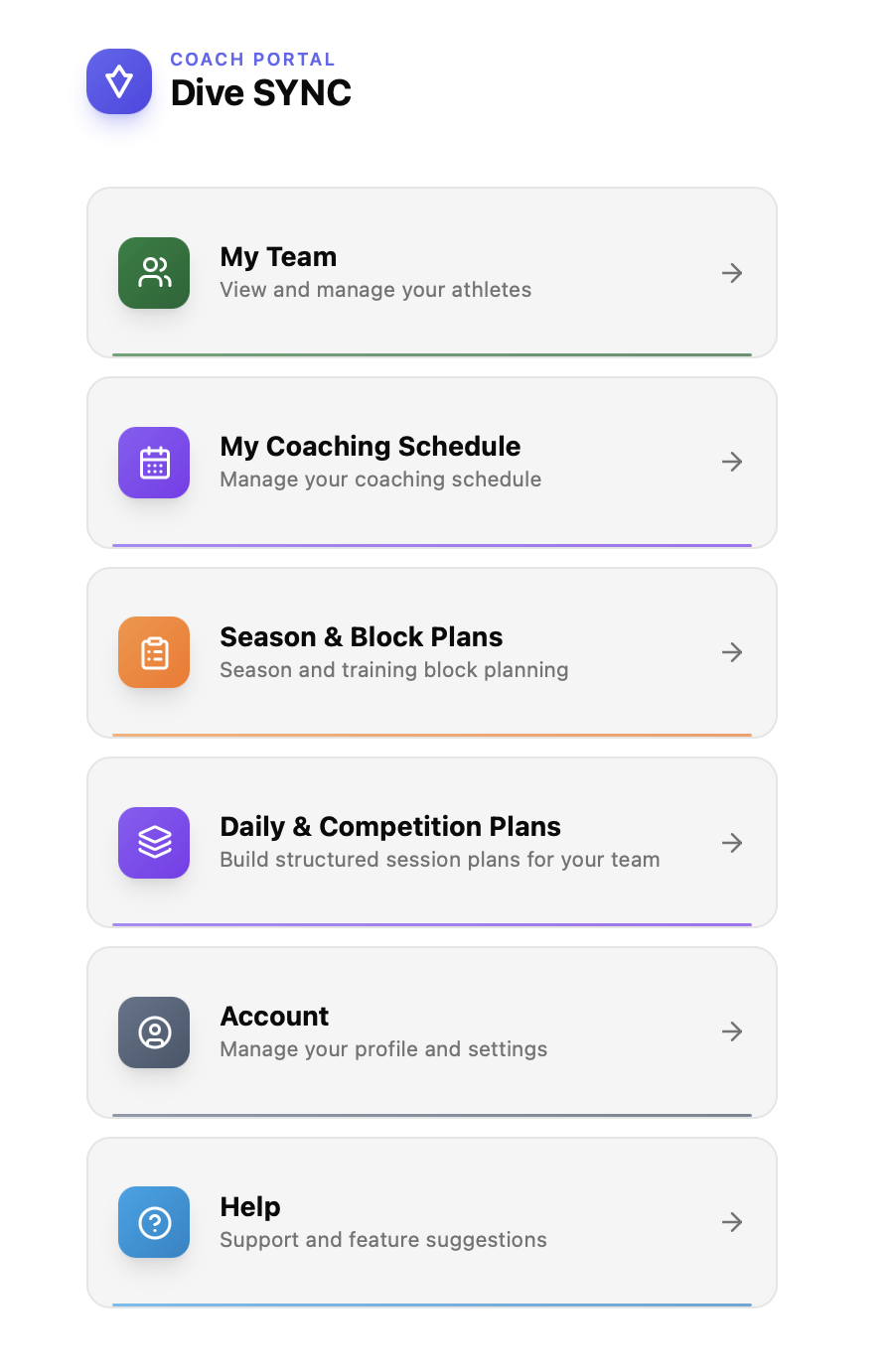
DiveSYNC - User guides
We have designed DiveSYNC to be as intuitive as possible. To help our users get the best out of the app, we have a series of short videos showing examples each of the key sections.
To get the best out of DiveSync we hope you jump in and play with the many features. Start up is key, create your account, link with oyur team from the get-go.
Content Tour Divers Pt 1.
An overview of the features in DiveSync for divers including wellness tracking, training logs, competition result imports and basic analytics.
Account set up
Once you have created the account, complete the account set up. Remember data is stored secrurely and only you and oyur team can view content.
Log wellness
Step 1, get into the groove of recording daily wellness - it takes less than 20seconds a day.
Its super simple, set your sleep goal, then record 1-10 on a series of basic wellness metrics
Content Tour Divers Pt 2.
Part 2 of the content tour looks at Learn dive and physical tracking features.
Log & Track Training
Quick and easy - log every dive quickly, add intensity and RPE to create simple effective Load tracking.
Training volume is divided into diving volumes and time spent training. Each month build a clear picture and compare to previous monts and seasons.
Wellness Tracking
A quick look at some of the wellness tracking options and possibilities. The more you use DiveSYNC the more wellness integration can be linked with trainIng metrics like RPE and Load. Bit to get going, start looking to see if you see trends in Sleep, Energy and Mood.
Practice Schedule
Create your practice / training schedule, export to calendars and set repeat / end dates. Later add training plans to your schedule
Competition Log results and tracking
Log and track you competition results and voer time, over a seaosn build and understand which dives need focus.